Category: Two Way Radio

Blog of Two Way Radios

  • How To Scan For Repeater Tones Or Privacy Codes On Baofeng UV-5R radio?

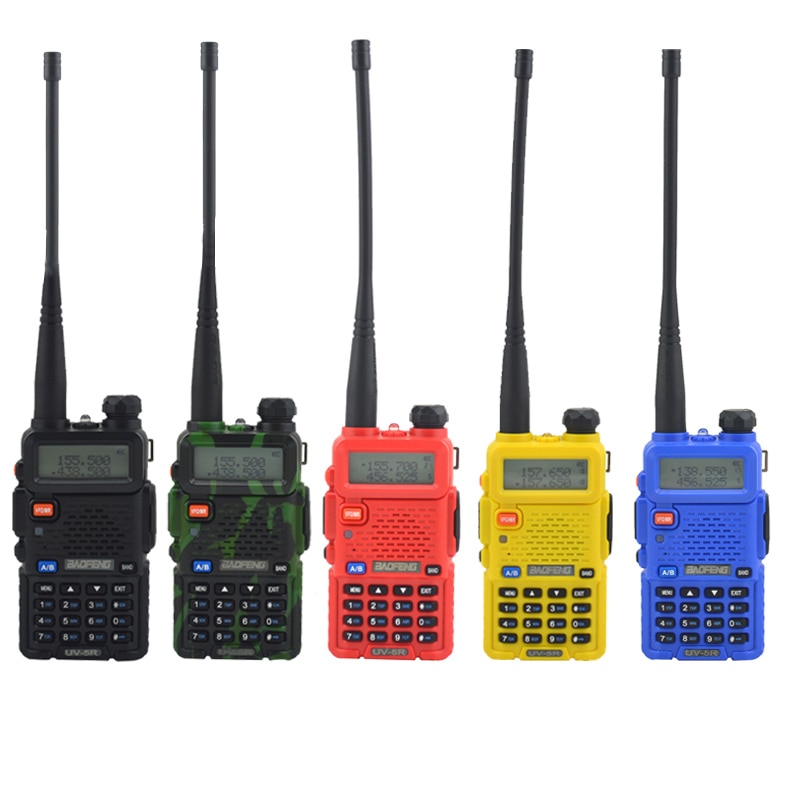
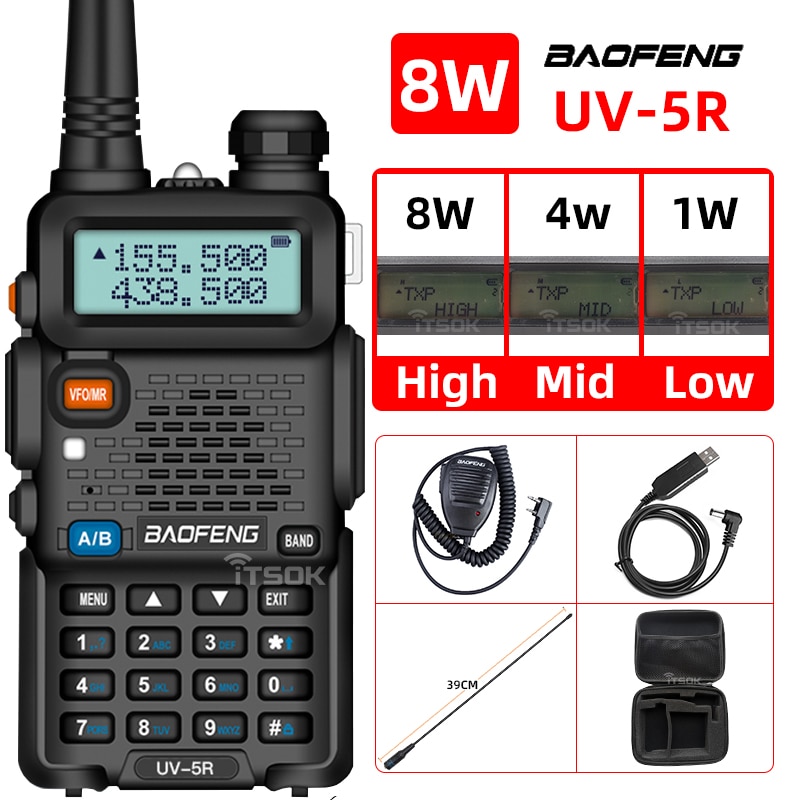
    To scan for repeater tones or privacy codes on a Baofeng UV-5R radio, you can follow these steps:

    1. Turn on the radio by pressing and holding the orange button on the top right-hand side of the radio.
    2. Press the VFO/MR button on the left-hand side of the radio to switch to the VFO (Frequency) mode.
    3. Enter the frequency of the repeater you wish to use by using the keypad or the up/down arrow keys.
    4. Press the menu button (the one with the letters “MENU” on it) on the right-hand side of the radio.
    5. Use the up/down arrow keys to scroll through the menu options until you see “T-CTCS” or “T-DCS”, depending on the type of tone you are looking for.
    6. Press the menu button again to enter the tone menu.
    7. Use the up/down arrow keys to scroll through the tone options until you find the tone you are looking for. Note that the tones may be labeled with a number or a letter, depending on the tone type.
    8. Press the menu button again to exit the tone menu.
    9. Press the scan button on the left-hand side of the radio to start scanning for the tone or code.
    10. If the radio detects the tone or code, it will stop scanning and you will hear the repeater transmission.
    11. To exit the scan mode, press the scan button again.

    Note that the exact steps may vary slightly depending on the specific model of the Baofeng UV-5R radio you have.
  • What Is The Difference Between SIMPLEX & REPEATER Channels?

    SIMPLEX and REPEATER channels are two types of communication channels used in radio communication. The key difference between SIMPLEX and REPEATER channels is in how they transmit and receive signals.

    A SIMPLEX channel uses a single frequency to both transmit and receive signals. This means that when two radios communicate over a SIMPLEX channel, they take turns transmitting and receiving messages. For example, if Radio A wants to transmit a message to Radio B, it would use a single frequency to transmit the message, and Radio B would use the same frequency to receive the message.

    On the other hand, a REPEATER channel uses two different frequencies: one for transmitting and another for receiving. The repeater station is typically located at a high elevation to provide a larger coverage area, and it re-transmits the signals it receives on a different frequency to extend the range of the communication. When two radios communicate over a REPEATER channel, they transmit on one frequency, and the repeater station receives the signal and re-transmits it on a different frequency that is picked up by the receiving radio. This allows for longer-range communication than would be possible using a SIMPLEX channel.

    In summary, SIMPLEX channels use one frequency for both transmitting and receiving, while REPEATER channels use two frequencies to extend the range of the communication.

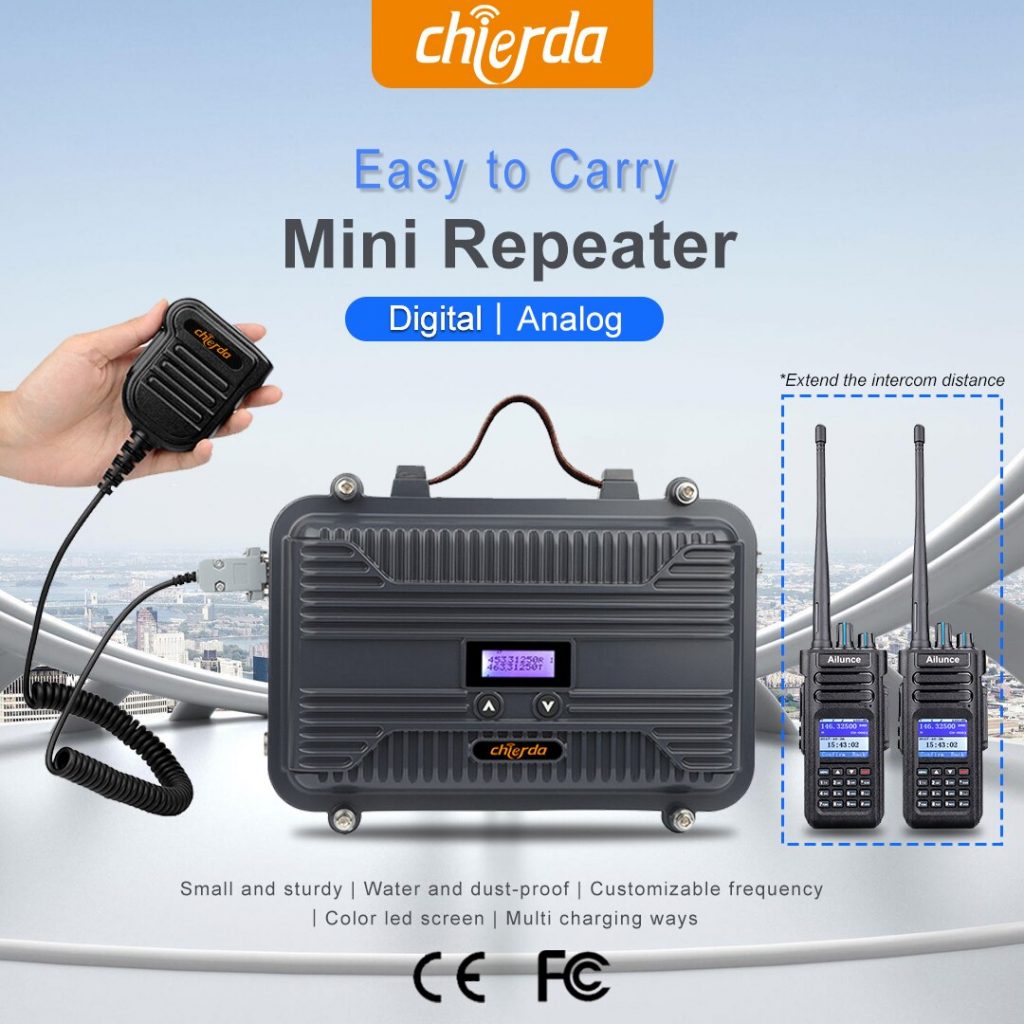
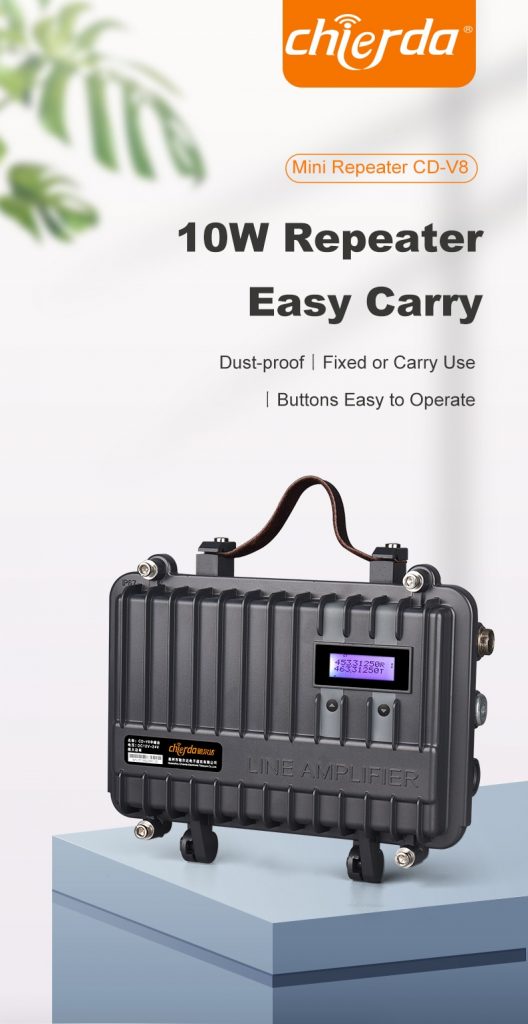
  • What Repeater Should I Have? How to Choose a Repeater System for Beginners

    Choosing a repeater system can be a daunting task for beginners. Here are some tips to help you choose the right repeater for your needs:

    1. Determine your coverage area The first step in choosing a repeater system is to determine your coverage area. Consider the area you need to cover and the distance between the transmitter and receiver. This will help you determine the power output and frequency band you need.
    2. Choose a frequency band There are several frequency bands available for repeater systems, including VHF, UHF, and 900 MHz. Each frequency band has its own advantages and disadvantages, so choose the one that best meets your needs.
    3. Consider licensing requirements Some frequency bands require a license to operate. For example, if you want to use a repeater system in the amateur radio bands, you’ll need to obtain a license from the FCC. Make sure to check the licensing requirements before purchasing a repeater system.
    4. Choose a reputable manufacturer Choose a repeater system from a reputable manufacturer with a proven track record of reliability and customer support. Look for online reviews and ask other radio enthusiasts for their recommendations.
    5. Consider your budget Repeater systems can range in price from a few hundred to several thousand dollars. Consider your budget and choose a system that provides the best value for your money.
    6. Evaluate the features Repeater systems come with a variety of features, such as remote control capabilities, automatic tone squelch, and programmable channels. Evaluate the features that are important to you and choose a system that meets your needs.
    7. Consider compatibility with existing equipment If you already have radio equipment, make sure the repeater system you choose is compatible with your existing equipment. This will save you time and money in the long run.
    8. Seek advice from experts If you’re unsure which repeater system to choose, seek advice from experts in the field. Join a local radio club or online community and ask for recommendations from experienced radio enthusiasts.

    In conclusion, choosing a repeater system involves considering factors such as coverage area, frequency band, licensing requirements, manufacturer reputation, budget, features, compatibility with existing equipment, and seeking advice from experts. By following these tips, you can choose a repeater system that meets your needs and enhances your communication capabilities.

    If you have any questions or need bulk price, pls feel free to contact us , thanks !

  • How to Get a General Mobile Radio Service (GMRS) License ?

    Getting a General Mobile Radio Service (GMRS) license is a straightforward process that involves the following steps:

    1. Visit the FCC website Go to the FCC (Federal Communications Commission) website and navigate to the Universal Licensing System (ULS) page.
    2. Register for an FCC Registration Number (FRN) If you don’t have an FCC Registration Number (FRN), you’ll need to register for one before you can apply for a GMRS license. You can do this on the FCC website.
    3. Log in to the ULS system Log in to the ULS system using your FRN and password. If you don’t have a password, you can create one on the login page.
    4. Fill out the GMRS license application Once you’ve logged in to the ULS system, select the GMRS license application and fill out the required information. You’ll need to provide your personal information, as well as the details of your radio equipment.
    5. Pay the application fee There is a fee to apply for a GMRS license. You can pay this fee online using a credit or debit card.
    6. Wait for approval Once you’ve submitted your application and paid the fee, you’ll need to wait for approval from the FCC. The approval process typically takes a few days to a week.
    7. Receive your license If your application is approved, you’ll receive your GMRS license via email. Make sure to keep a copy of your license with your radio equipment.

    In conclusion, getting a GMRS license is a relatively simple process that involves registering for an FRN, logging in to the ULS system, filling out the GMRS license application, paying the application fee, waiting for approval, and receiving your license. By obtaining a GMRS license, you’ll be able to legally operate your radio equipment and communicate with other GMRS users.

  • An EASY Guide to Radios for Preppers?

    If you’re a prepper looking for a radio system to communicate during an emergency, here is an easy guide to help you get started:

    Determine your communication needs
    The first step is to determine your communication needs. How many people do you need to communicate with? What distances do you need to cover? Will you be communicating locally or over long distances? Answering these questions will help you determine the type of radio system you need.

    Choose the right type of radio
    There are several types of radios that preppers use, including:

    Handheld Radios: These are portable radios that are easy to carry and operate. They’re great for short-range communication and are ideal for preppers who need to stay in contact while on the move.

    Base Station Radios: These are stationary radios that are ideal for communicating over long distances. They require a power source and a good antenna to work effectively.

    Mobile Radios: These are radios that are installed in vehicles and are ideal for preppers who need to communicate while on the move. They require a power source and a good antenna to work effectively.

    Choose the right frequency
    The frequency you choose will depend on your communication needs. If you only need to communicate over short distances, you can use a UHF (Ultra High Frequency) or VHF (Very High Frequency) radio. If you need to communicate over long distances, you’ll need a radio that operates on a lower frequency, such as HF (High Frequency).

    Consider licensing requirements
    Some radios require a license to operate. For example, HAM radios require an FCC license, while GMRS radios require a license for certain frequencies. Make sure to check the licensing requirements before purchasing a radio.

    Learn how to use the radio
    Once you’ve purchased your radio, it’s important to learn how to use it. Practice using the radio before an emergency situation arises so that you’re comfortable with its features and functions.

    In conclusion, choosing the right radio system for preppers can be overwhelming, but by determining your communication needs, choosing the right type of radio, selecting the right frequency, considering licensing requirements, and learning how to use the radio, you can ensure that you’re prepared for any emergency situation that may arise.

    If you want to know more or any questions, pls feel free to contact us , thank you !

  • What’s the Best Off-Road Communications?

    CB,FRS,GMRS,HAM ?

    The best off-road communication system depends on various factors such as terrain, distance, availability of repeaters, licensing requirements, and budget. Here are some pros and cons of each communication system:

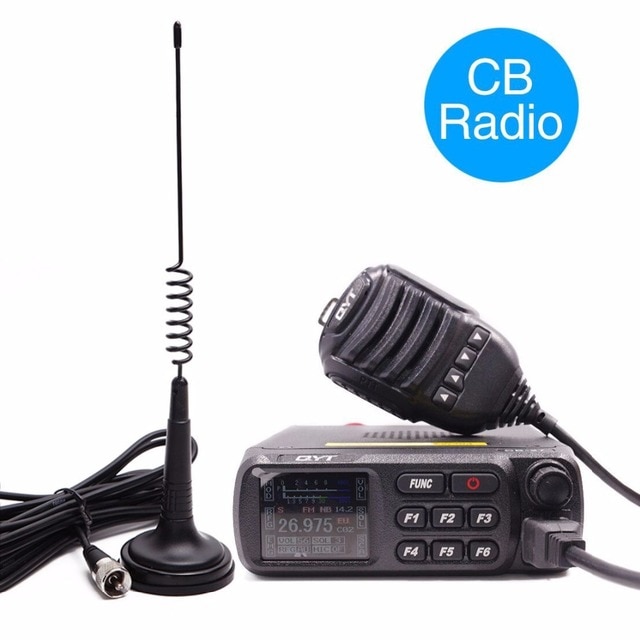
    1. CB (Citizens Band Radio) CB radios are widely used for off-road communication due to their simplicity, affordability, and availability. CB radios operate on 40 channels and can transmit up to 4 watts of power. However, the range of CB radios is limited, especially in hilly or mountainous areas. CB radios are also susceptible to interference from other CB radios and electronic devices.
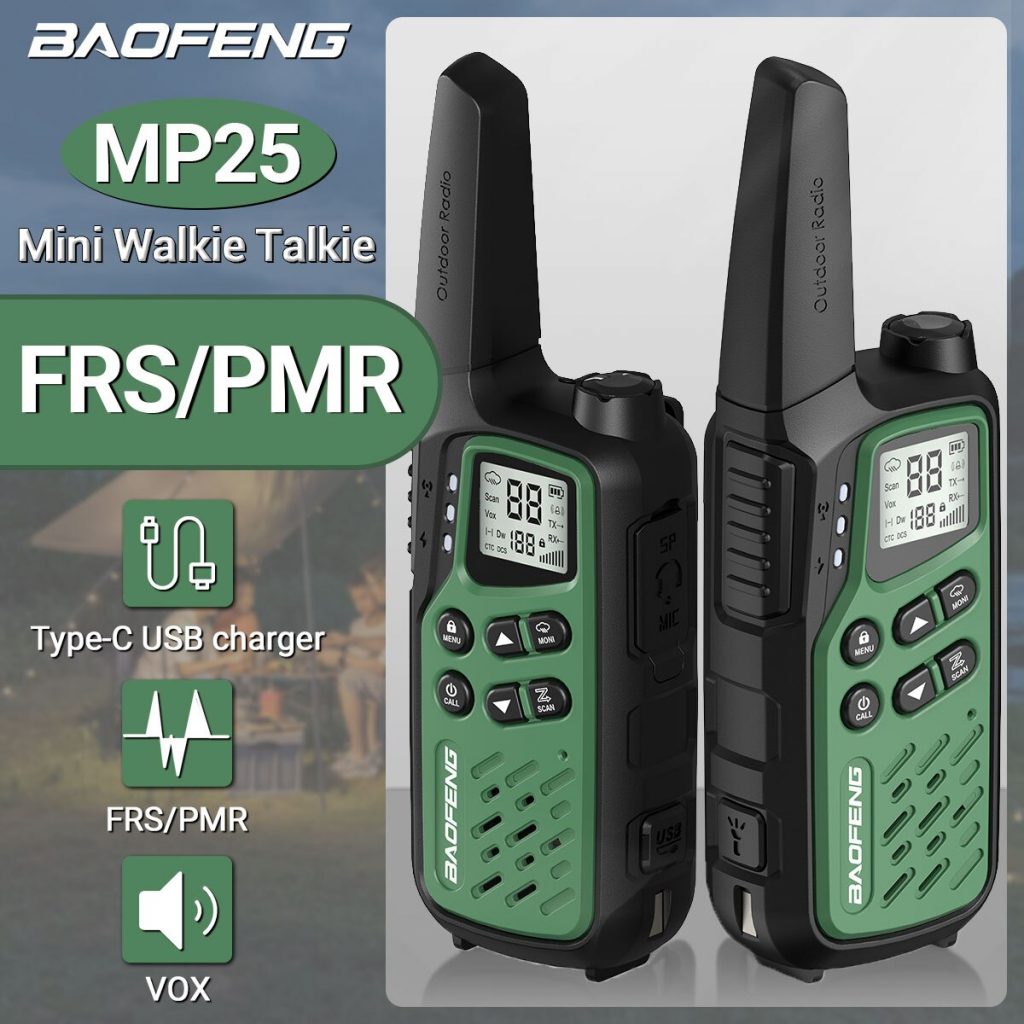
    2. FRS (Family Radio Service) FRS radios are also popular for off-road communication due to their ease of use, low cost, and availability. FRS radios operate on 22 channels and can transmit up to 2 watts of power. However, FRS radios have limited range and are susceptible to interference from other FRS radios and electronic devices.
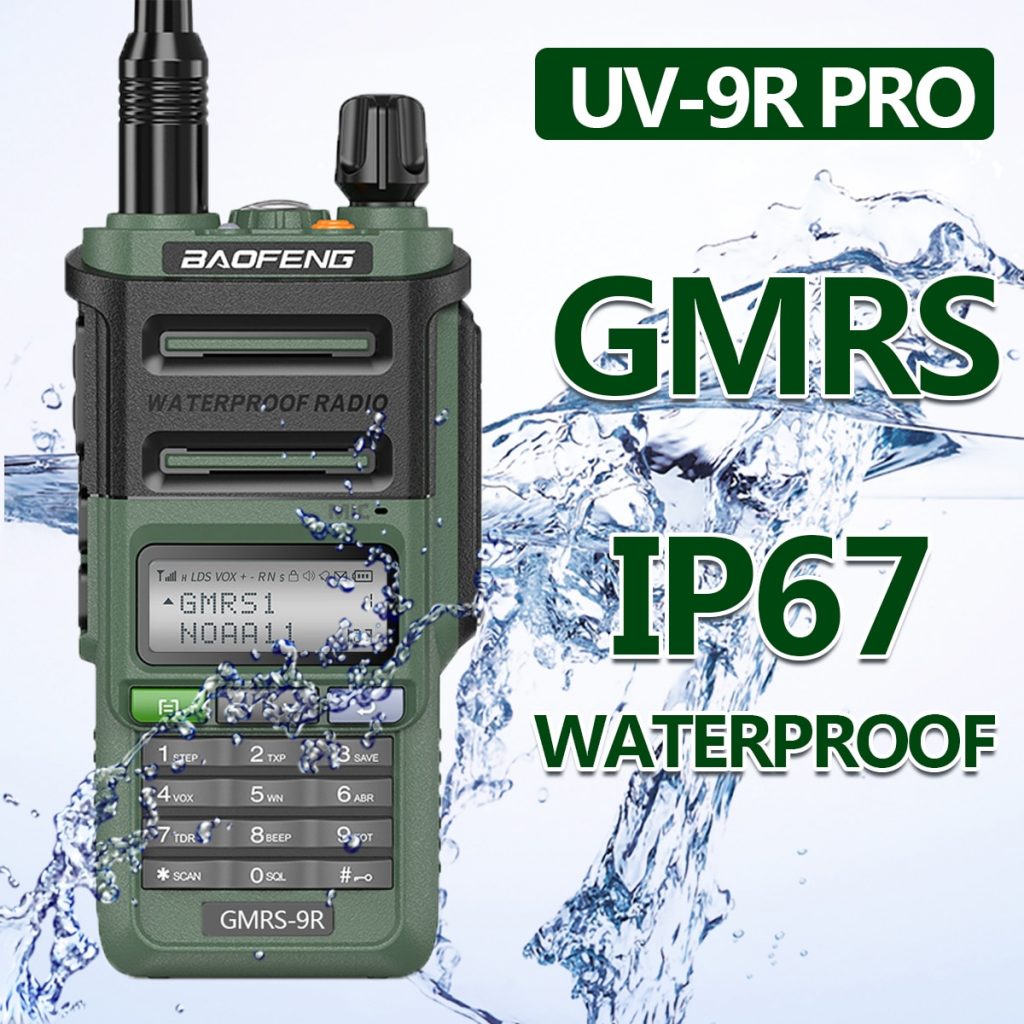
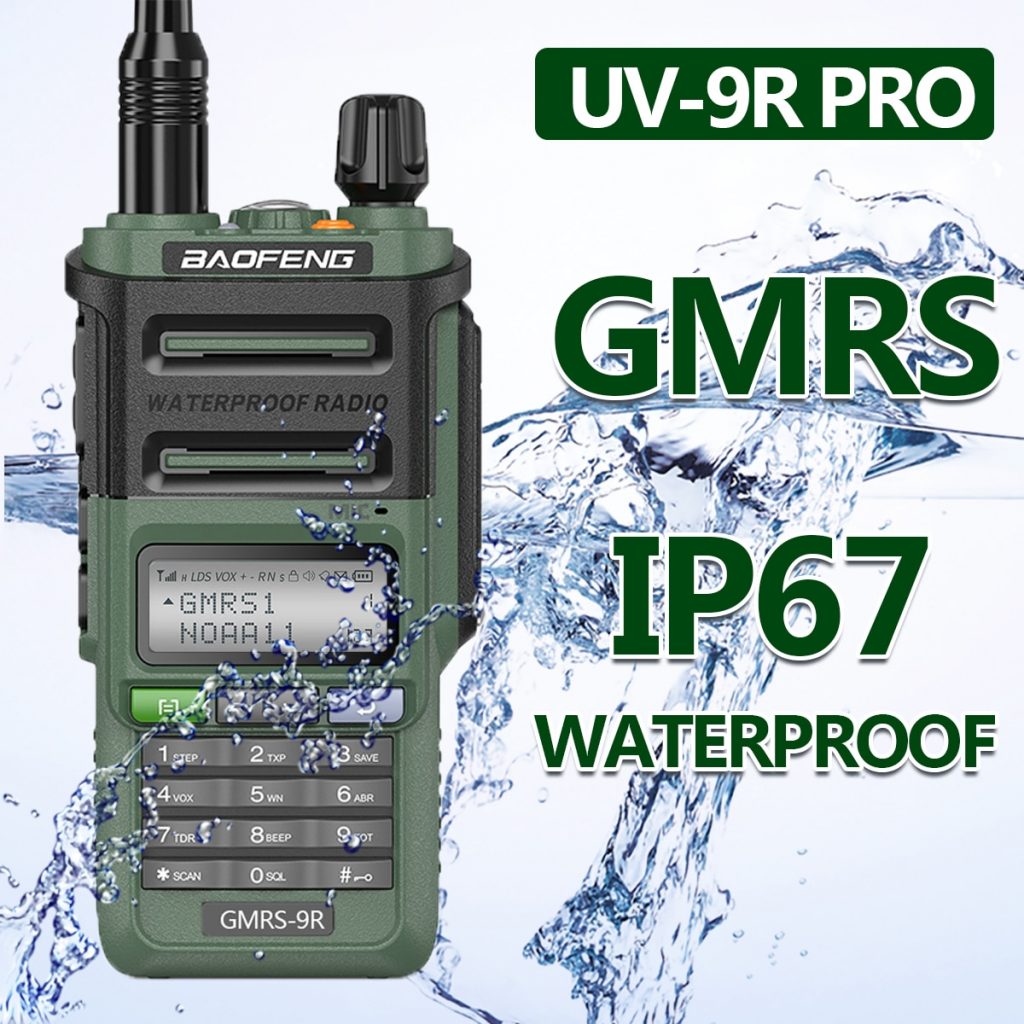
    3. GMRS (General Mobile Radio Service) GMRS radios are similar to FRS radios but have higher power and longer range. GMRS radios require a license from the FCC (Federal Communications Commission) and can operate on up to 30 channels. GMRS radios can transmit up to 50 watts of power, but most handheld GMRS radios have a maximum power of 5 watts. GMRS radios are more expensive than FRS radios and require a license, but they offer longer range and clearer communication.
    4. HAM (Amateur Radio) HAM radios are the most powerful and versatile communication system for off-road use. HAM radios require a license from the FCC and can operate on multiple frequencies and modes. HAM radios can transmit up to 1,500 watts of power and can communicate over long distances with the use of repeaters. HAM radios are more expensive than other communication systems and require a license, but they offer the best range and reliability.

    In conclusion, the best off-road communication system depends on your specific needs and budget. CB and FRS radios are affordable and widely available but have limited range and reliability. GMRS radios offer longer range and clearer communication but require a license and are more expensive. HAM radios offer the best range and reliability but require a license and are the most expensive.

  • FRS VS GMRS: A Radio Service Comparison Guide

    FRS (Family Radio Service) and GMRS (General Mobile Radio Service) are two types of radio services available in the United States. While they are both used for personal communications, there are some differences between them that are worth considering. Here’s a comparison guide to help you choose which radio service is best for your needs.

    1. Range: FRS radios have a range of up to two miles, while GMRS radios have a range of up to five miles or more. This makes GMRS radios a better option if you need longer-range communication.
    2. Power: FRS radios have a maximum power output of 0.5 watts, while GMRS radios can transmit up to 50 watts of power. This higher power output allows GMRS radios to transmit over longer distances and through obstacles like buildings and trees.
    3. Licensing: FRS radios do not require a license to use, while GMRS radios require a license from the Federal Communications Commission (FCC). The GMRS license allows for higher power output and access to additional frequencies.
    4. Channels: FRS radios have 22 channels available, while GMRS radios have 22 channels plus an additional 8 channels reserved for GMRS license holders.
    5. Privacy: Both FRS and GMRS radios have the option of using privacy codes or “sub-channels” to reduce interference from other radio users on the same channel. However, these privacy codes are not secure and can be easily bypassed by someone with a radio set to the same frequency.
    6. Cost: FRS radios are generally less expensive than GMRS radios, and there are no licensing fees for FRS radios.

    Overall, if you only need short-range communication and don’t want to bother with licensing, FRS radios may be a good option. However, if you need longer-range communication and are willing to obtain a license, GMRS radios may be the better choice. It’s important to keep in mind that regardless of which service you choose, it’s always important to follow FCC regulations and be considerate of other radio users.

  • How to using Boxchip S900A+ gateway work with zello ?

    To use the Boxchip S900A+ as a gateway with Zello, you can follow these steps:

    1. Install the Zello app on you Boxchip S900A+ by downloading it from the Google Play Store.
    2. Open the Zello app and create an account if you don’t already have one.
    3. In the Zello app, go to Settings and then Channels.
    4. Click on the + icon to create a new channel.
    5. Enter a name for your channel and select the type of channel you want to create (public or private).
    6. Under “Gateway,” select “IP Gateway” and enter the IP address and port number of your Boxchip S900A+.
    7. Click “Save” to create your channel.
    8. On your Boxchip S900A+, open the Gateway app.
    9. In the Gateway app, select “Add Gateway” and enter the same IP address and port number that you used in step 6.
    10. Click “Save” to add the gateway.
    11. Now, your Boxchip S900A++ is set up as a gateway for your Zello channel. You can use your Boxchip S900A+ to transmit and receive audio from the Zello channel.

    Note that to use the Boxchip S900A+ as a gateway with Zello, you’ll need to have an active internet connection on your device. Additionally, make sure that your Boxchip S900A+ and Zello app are both up to date with the latest software versions to ensure compatibility and optimal performance.

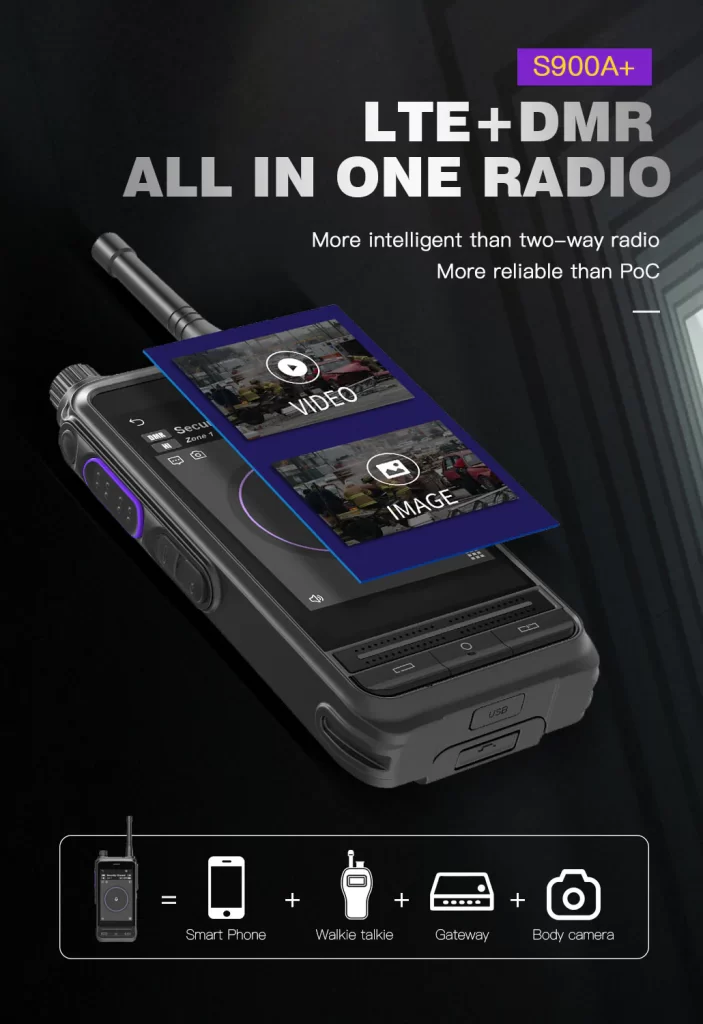
    The Boxchip S900A+ is a wearable smart two-way radio that integrates LTE and radio communication functions. It runs on the Android operating system and features a 7-inch touchscreen, WiFi and Bluetooth connectivity, and a built-in 5-megapixel camera. This smart two-way radio enables voice and data communication over various communication networks, including LTE, 3G, WiFi, and VHF/UHF radio.

    There are relatively few user reviews of this product, but some users have provided positive feedback. They praise the communication quality and connection speed of this two-way radio, particularly when using LTE networks. Users also appreciate its built-in camera and wearable design, which makes it easy to use for work or outdoor activities. Additionally, users have positive comments about its large screen and easy-to-use interface.

    However, some users have questioned the battery life of this two-way radio, stating that it needs frequent charging. Additionally, some users consider the price of this two-way radio to be relatively high, making it unsuitable for everyone.

    Overall, the Boxchip S900A+ is a powerful wearable smart two-way radio with multiple communication functions and an easy-to-use interface. Although its price may be a bit high and some users express concern about battery life, it may be a valuable investment for professionals who need high-speed connectivity and a wearable design.

  • Top 4 Best Long Range Walkie Talkie

    Here are the top 4 long-range walkie-talkies available in the market. However, please note that newer models may have been released since then.

    Motorola T600 H2O Talkabout Radio – This walkie-talkie has a range of up to 35 miles and is waterproof and durable, making it suitable for outdoor activities.

    Midland GXT1000VP4 – This walkie-talkie has a range of up to 36 miles and features 50 channels, NOAA weather alerts, and a SOS siren for emergency situations.

    Uniden SX507-2CKHS – This walkie-talkie has a range of up to 50 miles and features a direct call mode, which allows you to contact a specific person without alerting everyone on the channel.

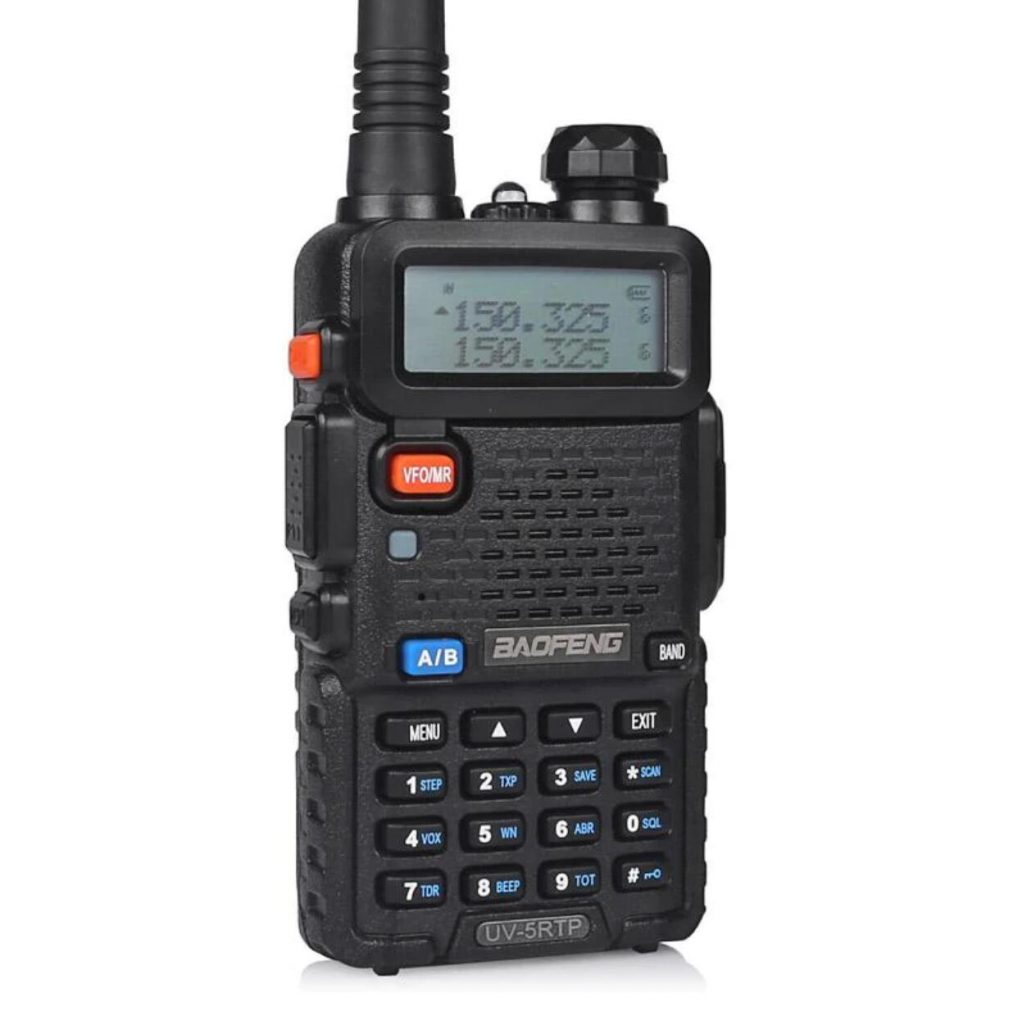
    Baofeng UV-5RTP – This walkie-talkie has a range of up to 5 miles (depending on terrain and conditions) and features dual-band operation, a built-in flashlight, and programmable channels.

    Please note that the range of a walkie-talkie can be affected by factors such as terrain, weather conditions, and obstructions, so the actual range may vary in practice. It’s always a good idea to test the range of your walkie-talkie in the specific conditions you plan to use it in before relying on it for communication.

  • Alafone BT-5R Bluetooth walkie-talkie

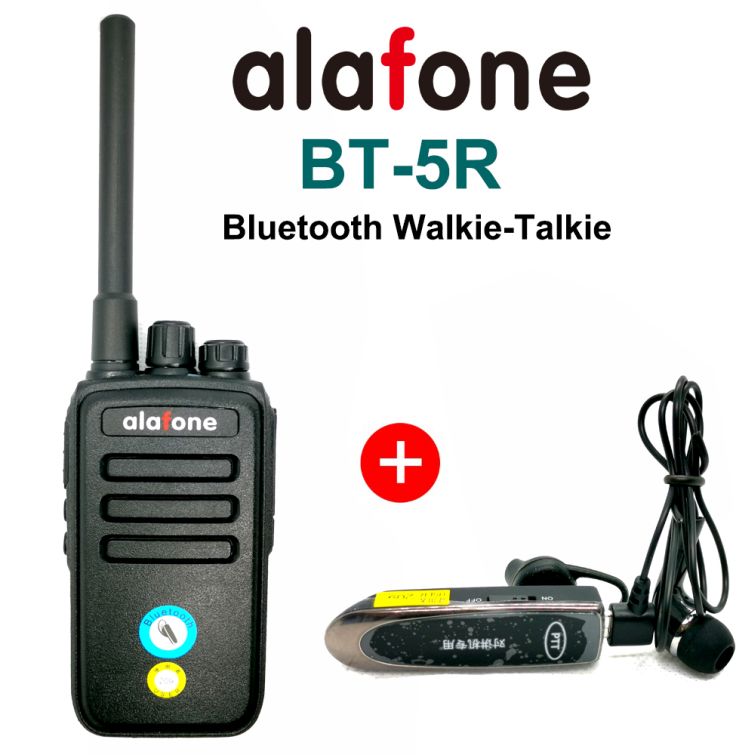
    Alafone BT-5R Bluetooth walkie-talkie

    Alafone BT-5R is a Bluetooth walkie-talkie device that allows for wireless communication between two or more devices. It is a compact and portable two-way radio that works on the Bluetooth 4.2 protocol and has a range of up to 10 meters (33 feet).

    The device has a built-in rechargeable battery that can last up to 12 hours of continuous use and can be charged via a micro-USB port. It also features a built-in microphone and speaker for hands-free communication and supports push-to-talk (PTT) functionality.

    The Alafone BT-5R has a rugged and durable design that makes it suitable for use in outdoor and industrial environments. It is also lightweight and easy to carry, making it ideal for activities such as camping, hiking, and skiing.

    The device is compatible with a wide range of Bluetooth-enabled devices such as smartphones, tablets, and laptops, and can be paired with multiple devices simultaneously, making it easy to switch between different devices.

    Overall, the Alafone BT-5R is a versatile and reliable Bluetooth walkie-talkie device that provides an easy and convenient way for people to communicate wirelessly over short distances.